Maws Beats.
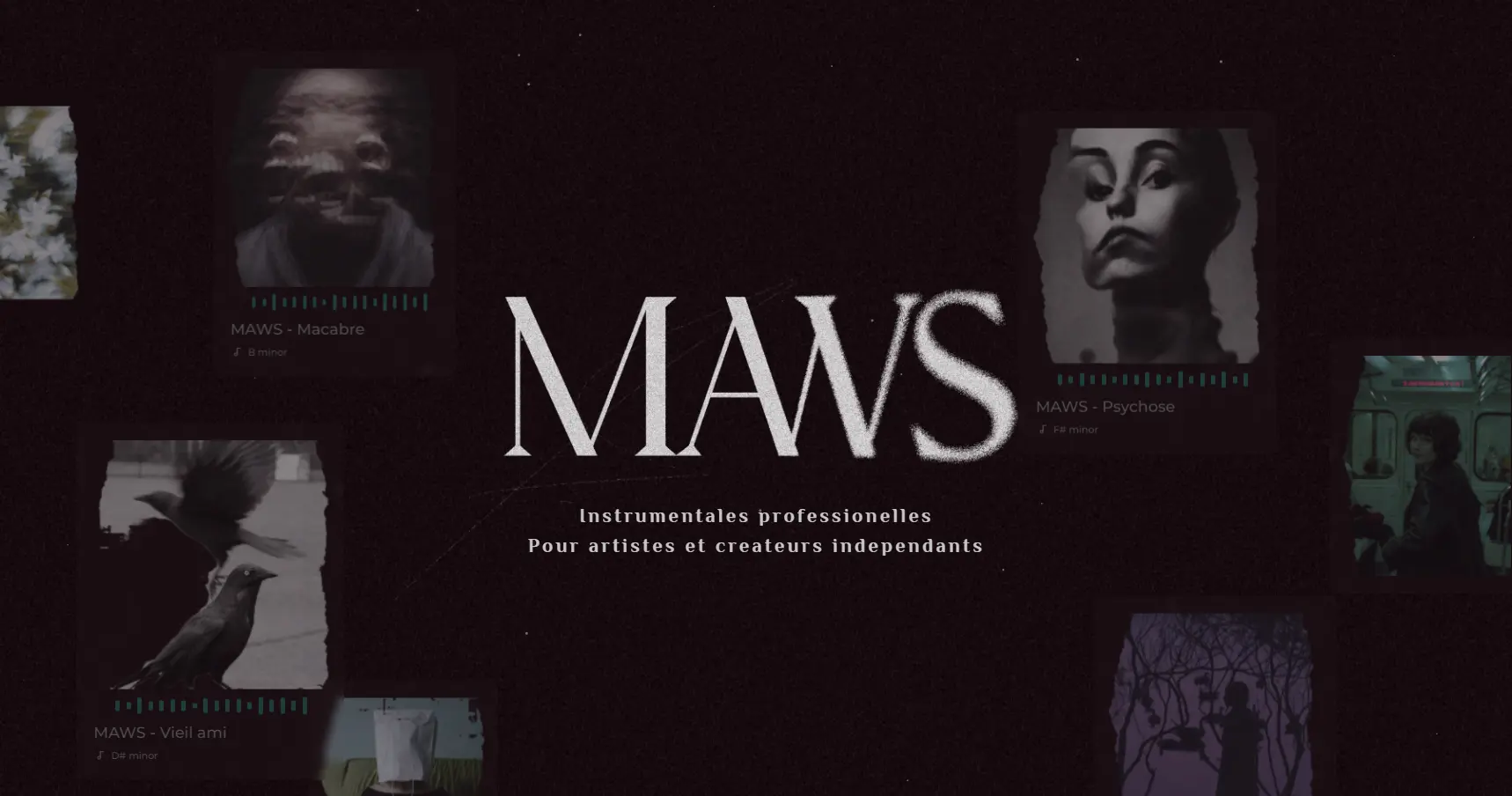
I worked closely with beatmaker MawsBeats to enhance the buyer’s user experience & immersion, re-imagine his artistic direction, and develop and launch his new website.
Design
The client already had a new brand theme in mind and wanted darker, grainy tones, in contrast to his existing site, which looked more “Lofi” and playful. He created the Maws logo present on the hero banner, and from there I went to work building a design that fit these new vibes.
Prototyping
The original website’s structure and overall user flow were something the client wanted to keep, so no user research was done for this project. Several iterations of higher-fidelity prototypes were built and improved through the client’s regular feedback. After a few back-and-forths, the final prototypes were ready to be implemented.
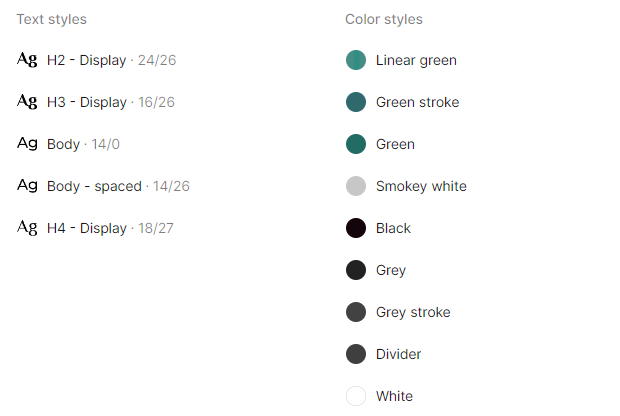
The main text and color styles were defined and implemented throughout the entire prototype, so that they could later be turned into CSS variables.
Development
Maws-2.0 · RepositoryThis part was done in HTML, SCSS, and some JS for the animations and certain interactions. Everything was written in VS Code, and I used Prepros to compile my SCSS into a main CSS file. I pushed my code to a GitHub repository so I could access it anywhere and easily create branches, all while keeping a detailed history of merges.
Structure
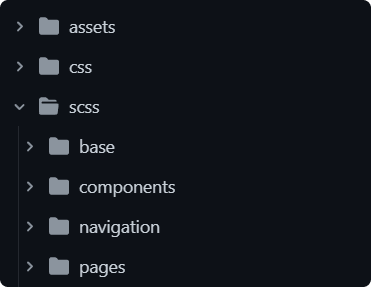
The project followed a simple structure, with separate SCSS folders for base settings such as typography, colors, and a reset, and other folders for components like cards, buttons, and navigation. This makes it easy to change components and keeps the project fairly organised.
Simple variables were written at the start of the project to match the text and color styles set in Figma.
Animations & interactions
I like to add simple animations to websites to enhance the user’s immersion when possible, and make the page more stimulating and fun to interact with.